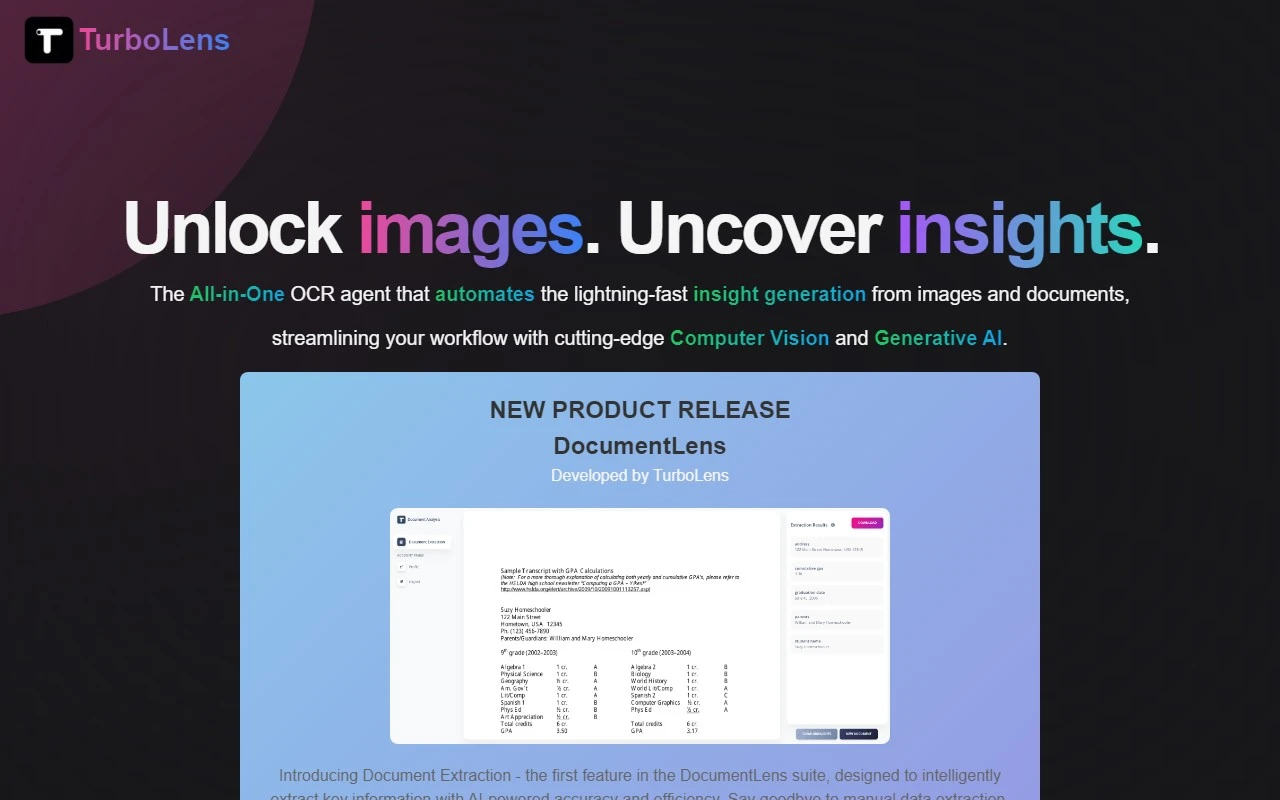
TurboLens: The AI-Powered OCR Tool That’s Revolutionizing Image Insights and Translations
If you’ve ever struggled with extracting text from images, translating documents, or converting handwritten notes into digital formats, TurboLens is here to save the day. This AI-powered OCR tool is a game-changer for professionals, students, and anyone who deals with image-based data. Let me walk you through why TurboLens stands out and how it can transform your workflow.
What is TurboLens?
TurboLens is an all-in-one OCR (Optical Character Recognition) tool that goes beyond basic text extraction. It’s designed to generate actionable insights from images and text, whether you’re working with scanned documents, handwritten notes, or complex tables. Powered by cutting-edge AI, TurboLens delivers unmatched accuracy and speed, making it a must-have tool for anyone looking to streamline their processes.
How to Use TurboLens: It’s Easier Than You Think
Using TurboLens is a breeze. Here’s how it works:
- Upload your image: Whether it’s a scanned document, a photo of handwritten notes, or a screenshot, TurboLens can handle it.
- Select your function: Choose from text extraction, translation, or even LaTeX conversion for math formulas.
- Get instant insights: Within seconds, TurboLens processes your image and delivers the results you need.
For example, imagine you’re working on a research paper and need to extract data from a scanned PDF. With TurboLens, you can upload the PDF, extract the text, and even translate it into another language—all in one go.
Core Features That Make TurboLens Stand Out
TurboLens isn’t just another OCR tool—it’s packed with features that set it apart:
- Multi-language OCR support: Extract text from documents in over 50 languages.
- Handwritten text recognition: Convert messy handwritten notes into clean, editable text.
- Math formula and table recognition: Perfect for students and researchers, TurboLens can even convert math formulas into LaTeX.
- Seamless translation of images: Need to translate a foreign document? TurboLens does it in seconds.
- Smart insight generation: TurboLens doesn’t just extract text—it helps you make sense of it with AI-powered insights.
Real-World Use Cases: TurboLens in Action
Here are just a few ways TurboLens can make your life easier:
- Extracting text from images for reports: Say goodbye to manual data entry. TurboLens can pull text from images and format it for your reports.
- Translating documents for global collaboration: Working with international teams? TurboLens can translate documents on the fly, ensuring everyone is on the same page.
- Converting math formulas to LaTeX: Students and researchers can save hours by letting TurboLens handle the heavy lifting.
Frequently Asked Questions (FAQ)
- Is there a free trial for TurboLens?
Yes! TurboLens offers a free trial so you can test its features before committing. - How does TurboLens handle handwritten text?
TurboLens uses advanced AI to accurately recognize and convert handwritten text into digital format. - What is the processing quota for the free plan?
The free plan includes a generous processing quota, but for heavy users, upgrading to a paid plan is recommended.
TurboLens Support and Contact Information
Need help? TurboLens has you covered:
- Support Email: [email protected]
- Contact Us Page: https://www.turbolens.io/
Ready to Get Started?
- Login to TurboLens: https://www.turbolens.io/
- Sign Up for TurboLens: https://www.turbolens.io/
- Check Out Pricing: https://www.turbolens.io/
TurboLens is more than just a tool—it’s a productivity powerhouse. Whether you’re a professional, student, or just someone who deals with a lot of image-based data, TurboLens is worth every penny. Give it a try today and see the difference for yourself!