UniScribe Review: Your Go-To Platform for Fast, Accurate Transcription and Translation
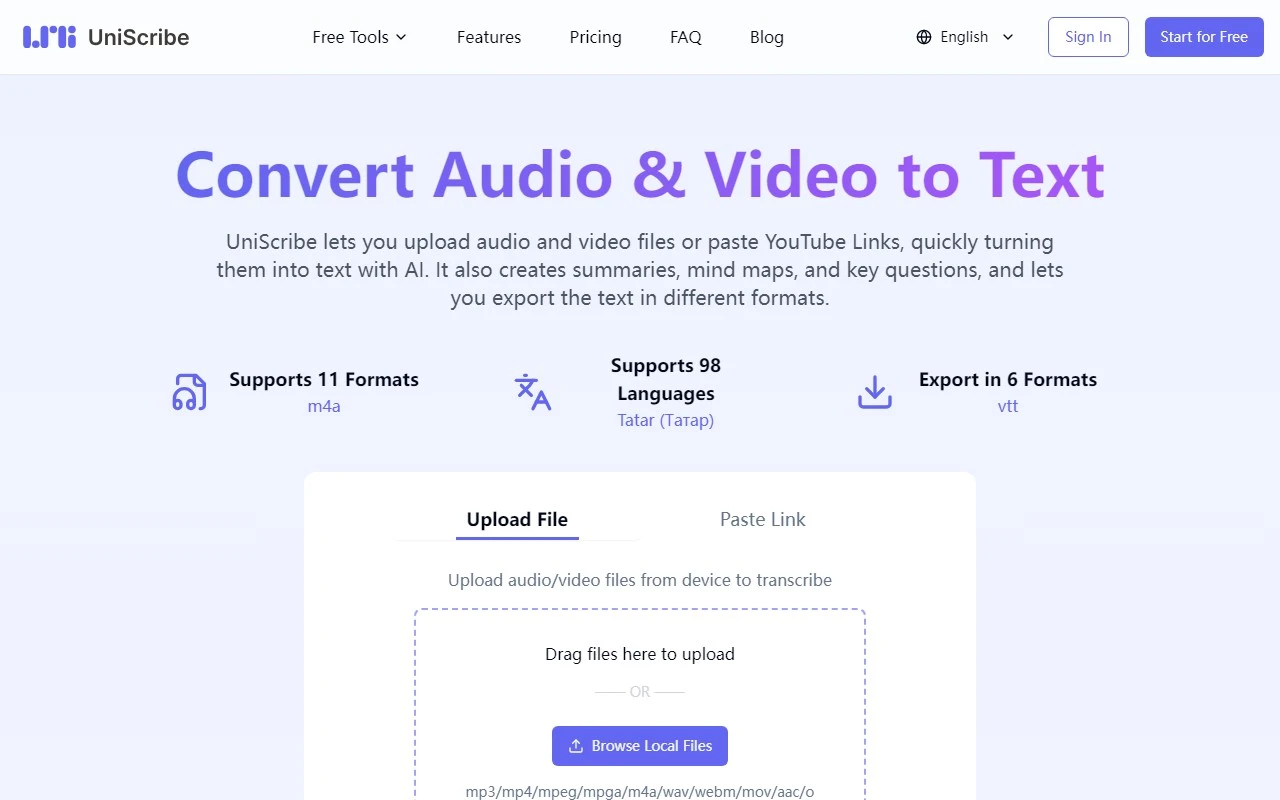
If you’ve ever struggled with turning audio or video content into text, UniScribe is here to make your life easier. This platform is designed to help you transcribe and translate audio and video files quickly and efficiently, saving you time and effort. Whether you’re a student, professional, or content creator, UniScribe offers a suite of features that cater to your needs.
What is UniScribe?
UniScribe is a powerful transcription and translation platform that converts audio and video files into text with impressive accuracy. But it doesn’t stop there—it also provides smart summaries, mind maps, and key question extraction to help you digest and organize your content effectively. With support for 98 languages, UniScribe is a versatile tool for global users.
How Does UniScribe Work?
Using UniScribe is a breeze. Simply upload your audio or video file, or paste a YouTube URL, and let the platform do the rest. Within minutes, you’ll have a fully transcribed document ready for review. The process is seamless, and the results are reliable.
Key Features That Make UniScribe Stand Out
- 98-Language Support: Whether you’re working with English, Spanish, Mandarin, or less common languages, UniScribe has you covered.
- Smart Summaries: Get concise summaries of lengthy content, perfect for quick reviews or sharing insights.
- Mind Map Generation: Visualize your content with automatically generated mind maps, ideal for brainstorming or studying.
- Key Question Extraction: UniScribe identifies and extracts key questions from your content, making it a great tool for educators and students.
- Multi-Format Export: Export your transcriptions in various formats (e.g., TXT, DOC, PDF) for easy integration into your workflow.
Real-World Use Cases
- Students and Educators: Turn lectures or educational videos into transcribed notes, summaries, and mind maps for easier studying and teaching.
- Professionals: Transcribe meetings or interviews quickly, ensuring you never miss important details.
- Content Creators: Translate and transcribe videos for subtitles or captions, expanding your audience reach.
Pricing and Plans
UniScribe offers flexible pricing plans to suit different needs. Whether you’re a casual user or a power user, there’s a plan for you. Check out the UniScribe Pricing Page for detailed information.
Support and Contact
Got questions? UniScribe’s customer support team is ready to help. Reach out via email at [email protected] for assistance, refunds, or general inquiries. You can also stay updated by following UniScribe on Twitter or exploring their GitHub for technical insights.
Getting Started
Ready to try UniScribe? Sign up or log in using the following links:
Final Thoughts
UniScribe is more than just a transcription tool—it’s a comprehensive solution for anyone looking to streamline their audio and video content into actionable text. With its robust features, user-friendly interface, and multilingual support, it’s a must-have tool for students, professionals, and creators alike. Give it a try and see how it transforms your workflow!