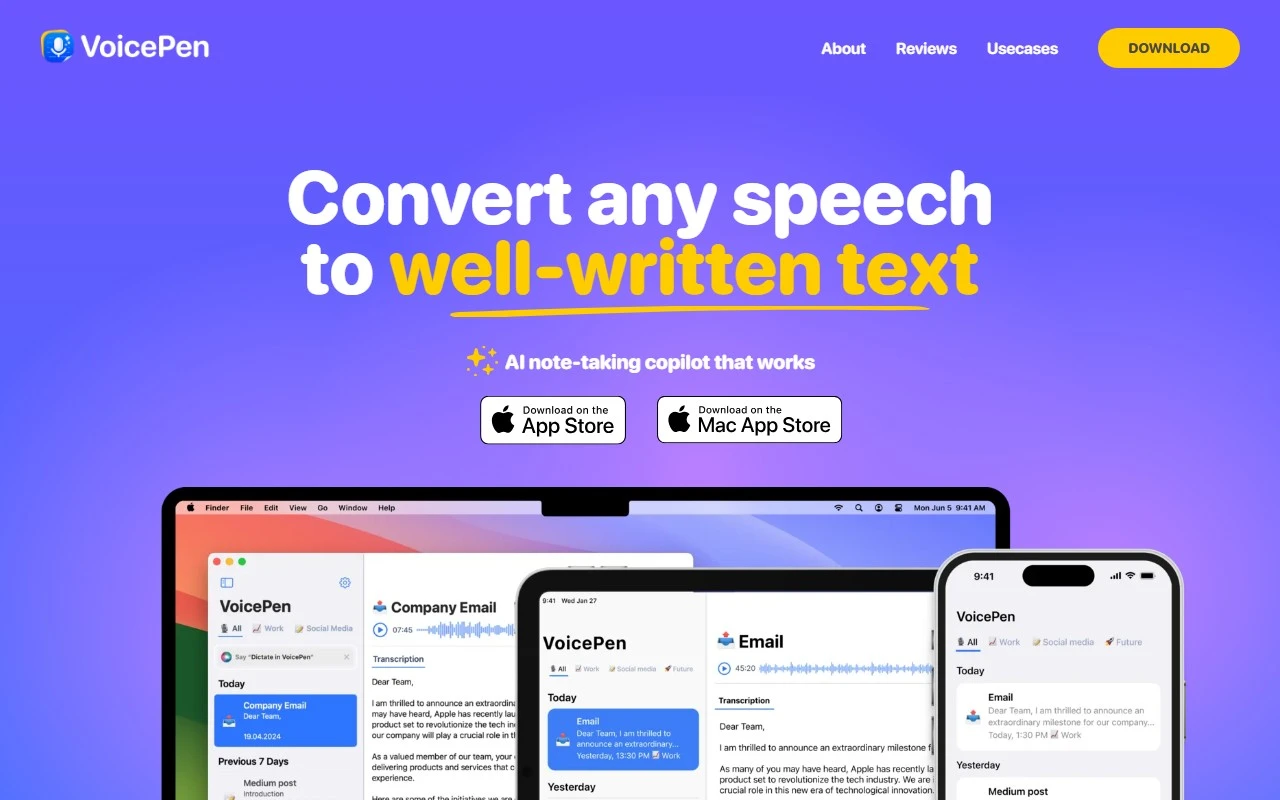
Voice Pen: Speech to Text AI – The Ultimate Productivity Companion
If you’ve ever wished you could turn your spoken words into polished text effortlessly, Voice Pen: Speech to Text AI is here to make that dream a reality. This innovative tool is designed to streamline your workflow, whether you’re jotting down notes, crafting emails, or drafting blog posts. Let’s dive into what makes Voice Pen a game-changer.
What is Voice Pen: Speech to Text AI?
Voice Pen is a smart, AI-powered transcription tool that converts your spoken words into written text with remarkable accuracy. But it doesn’t stop there—it also offers AI rewriting and transformation options to refine your content, making it perfect for creating summaries, emails, messages, or even full-fledged blog posts. It’s like having a personal assistant that listens, writes, and edits for you.
How Does It Work?
Using Voice Pen is as simple as it gets:
- Record Your Voice: Speak into the app or import audio from other sources.
- Let AI Do the Work: The tool transcribes your speech into text automatically, complete with accurate punctuation.
- Edit and Transform: Use the AI rewriting feature to polish your text or adapt it for different purposes.
- Share or Save: Export your text to any platform or store it for future reference.
It’s a seamless process that saves time and effort, especially for busy professionals, students, or content creators.
Core Features That Stand Out
Here’s what makes Voice Pen a must-have tool:
- Accurate Transcription: Captures your words with precision, including proper punctuation.
- AI Rewriting: Transform your text into summaries, blog posts, or polished messages with just a few clicks.
- Background Audio Recording: Record on the go without interrupting your workflow.
- Multi-App Integration: Import audio from various apps for transcription.
- Multilingual Support: Works with over 50 languages, making it a versatile tool for global users.
Real-World Use Cases
Here are some ways Voice Pen can enhance your productivity:
- Students: Record lectures or brainstorm ideas and turn them into organized notes instantly.
- Professionals: Quickly transcribe meeting discussions or draft emails on the fly.
- Content Creators: Transform spoken content into blog posts or social media updates effortlessly.
For example, imagine you’re in a meeting and need to send a follow-up email. Instead of scrambling to take notes, you can record the conversation, transcribe it with Voice Pen, and have a polished email ready in minutes.
FAQs
What languages are supported by Voice Pen?
Voice Pen supports over 50 languages, making it accessible to users worldwide.
Is my data secure while using Voice Pen?
Yes, Voice Pen prioritizes data security, ensuring your recordings and transcriptions are safe.
About the Company
Voice Pen is developed by Timur Khairullin, a creator focused on delivering innovative productivity tools. You can stay updated on the latest features and news by following Voice Pen on Twitter.
Final Thoughts
Voice Pen: Speech to Text AI is more than just a transcription tool—it’s a productivity powerhouse. Whether you’re a student, professional, or content creator, its combination of accuracy, AI rewriting, and multilingual support makes it an indispensable addition to your toolkit. Ready to transform your workflow? Give Voice Pen a try and experience the difference for yourself.
For more details, visit the official Voice Pen website or explore their pricing page to find the plan that suits your needs.