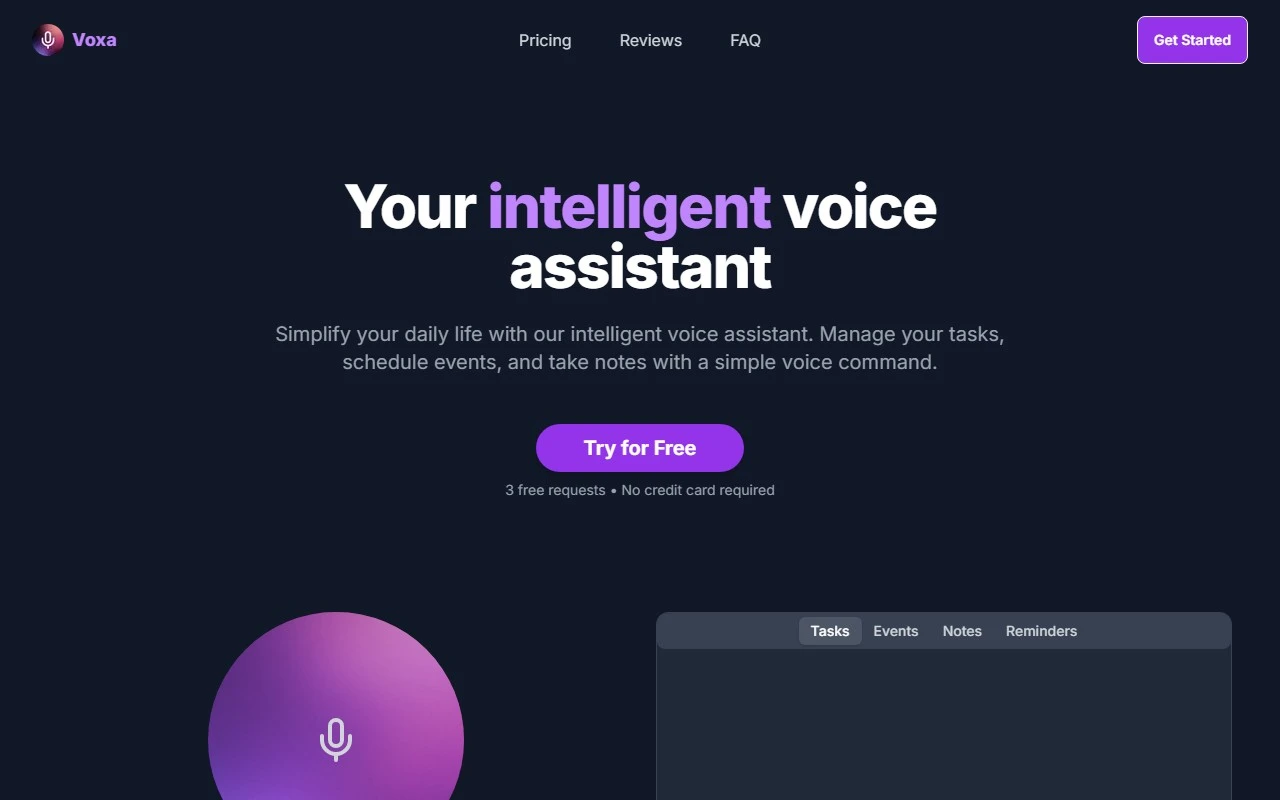
Voxa: Your AI-Powered Productivity Partner
In today’s fast-paced world, staying organized and productive can feel like an uphill battle. Enter Voxa, the AI voice assistant that’s here to simplify your life. Whether you’re juggling tasks, scheduling events, or taking notes, Voxa seamlessly integrates with your favorite tools like Google Tasks, Google Calendar, and Notion to keep everything in one place—all controlled by the power of your voice.
What Makes Voxa Stand Out?
Voxa isn’t just another voice assistant; it’s a productivity powerhouse designed to work for you. Here’s what sets it apart:
- Voice Task Management: Add, modify, or check off tasks with simple voice commands. No more fumbling with your phone or laptop.
- Event Planning: Schedule meetings, set reminders, or plan your day—all hands-free.
- Flexible Note-Taking: Capture ideas, meeting notes, or to-do lists effortlessly, even when you’re on the go.
- Advanced Voice Recognition: Voxa understands you clearly, even in noisy environments.
- Multi-Device Sync: Access your tasks, events, and notes across all your devices, ensuring you’re always in the loop.
- 24/7 Priority Support: Got a question or need help? Voxa’s support team is just an email away.
How to Use Voxa
Using Voxa is as easy as speaking. Simply say what you need, and Voxa takes care of the rest. For example:
- “Add ‘Buy groceries’ to my tasks.”
- “Schedule a meeting with Sarah at 3 PM tomorrow.”
- “Take a note: brainstorm ideas for the project.”
Voxa integrates seamlessly with your existing tools, so you don’t have to worry about switching platforms.
Real-World Use Cases
Here’s how Voxa can transform your daily routine:
- Task Management: Add and modify tasks while cooking, driving, or working out—no need to stop what you’re doing.
- Event Planning: Quickly schedule appointments or meetings without opening your calendar.
- Meeting Notes: Capture key points during a brainstorming session or client call without missing a beat.
FAQs
- What exactly do I get?
Voxa provides a voice-controlled assistant that integrates with Google Tasks, Calendar, and Notion to streamline your productivity. - Can I get a refund?
For refund inquiries, reach out to Voxa’s support team at [email protected]. - How does Voxa improve productivity?
By automating task management, event planning, and note-taking, Voxa saves you time and reduces mental clutter.
Getting Started with Voxa
Ready to take your productivity to the next level? Here’s how to get started:
- Sign Up: Create your account at https://www.voxa.pro/signin.
- Log In: Access your dashboard at https://www.voxa.pro/signin.
- Explore Pricing: Check out the affordable plans at https://www.voxa.pro/#pricing.
Need Help?
Voxa’s customer support team is here to assist you. Reach out at [email protected] for any questions or concerns.
Voxa is more than just a tool—it’s your personal productivity partner. Try it today and experience the difference!