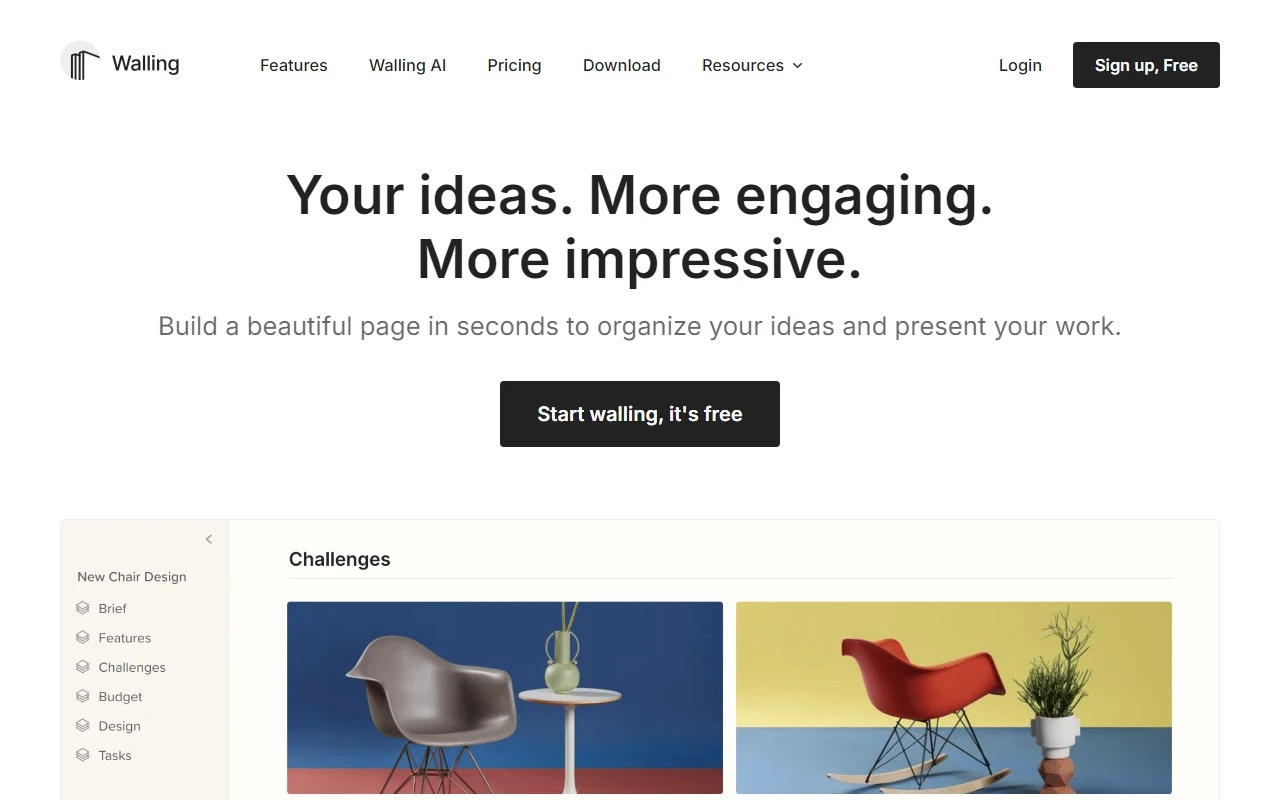
Walling: The Ultimate Tool for Organizing and Presenting Ideas
If you’ve ever struggled to bring your ideas to life in a visually stunning and organized way, Walling is here to revolutionize your workflow. Walling isn’t just another productivity tool—it’s a dynamic, AI-powered platform designed to help you effortlessly organize, collaborate, and present your ideas with flair.
What is Walling?
Walling is a modern visual canvas that transforms how you manage work and present ideas. Whether you’re brainstorming for a project, curating a moodboard, or preparing a client presentation, Walling makes it easy. Simply tell Walling AI what you need, and it’ll create a beautiful, responsive page filled with ideas, images, tasks, tables, and more—all in seconds. It’s like having a creative assistant at your fingertips.
How to Use Walling
Getting started with Walling is a breeze:
- Create a New Wall: Start by creating a blank canvas or use Walling AI to generate one based on your needs.
- Add Content: Populate your wall with notes, images, videos, files, links, tables, calendars, and more. The possibilities are endless.
- Collaborate: Invite team members to collaborate in real-time, assign tasks, and track progress.
- Publish and Share: With one click, publish your wall and share it with others. It’s mobile-responsive, so it looks stunning on any device.
Core Features That Make Walling Stand Out
- AI-Powered Organization: Let Walling AI do the heavy lifting by organizing your ideas into a cohesive, visually appealing layout.
- Visual Canvas: A flexible workspace where you can arrange and rearrange content intuitively.
- Moodboards: Create inspiring moodboards with images, videos, and links to spark creativity.
- Task Management: Assign tasks, set deadlines, and keep your team on track.
- Mobile-Responsive Design: Your walls look perfect whether you’re on a desktop, tablet, or phone.
- Collaboration Tools: Work seamlessly with others, whether they’re in the same room or across the globe.
Real-World Use Cases
Walling is versatile and adapts to a variety of needs:
- Product & Design Teams: Organize product roadmaps, design concepts, and feedback in one place.
- Creatives: Build moodboards, curate inspiration, and present your vision to clients.
- Business Professionals: Plan strategies, manage projects, and create polished presentations.
- Marketing & Sales: Craft campaign ideas, track metrics, and share results with stakeholders.
- Portfolios: Showcase your work in a visually engaging way.
- Startups: Streamline brainstorming sessions and pitch ideas effectively.
Pricing and Plans
Walling offers flexible pricing to suit your needs. Whether you’re an individual or part of a team, there’s a plan for you. Check out the Pricing Page for details.
Support and Contact
Got questions? Walling’s support team is here to help. Reach out via their Contact Us Page or email for assistance with billing, refunds, or general inquiries.
Get Started Today
Ready to transform how you organize and present ideas? Sign up for Walling and start creating beautiful walls in minutes. Already have an account? Log in and dive back into your projects.
Stay Connected
Follow Walling on YouTube for tutorials and inspiration, or join the conversation on Twitter to stay updated on the latest features and tips.
Walling isn’t just a tool—it’s your partner in creativity and productivity. Give it a try and see how it can elevate your workflow!