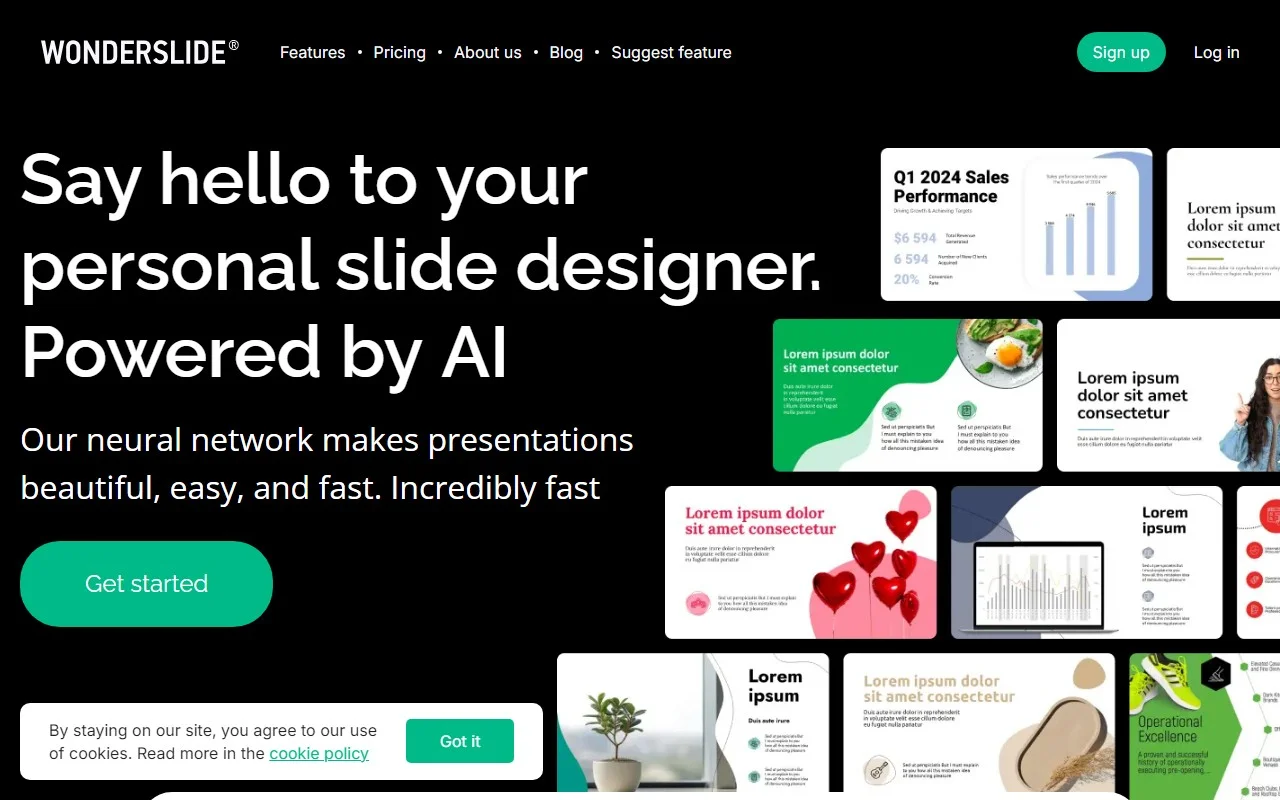
Wonderslide: The AI-Powered Presentation Game-Changer
If you’ve ever spent hours wrestling with slide decks, only to end up with something that looks like it was designed in 2005, Wonderslide is here to save the day. This AI-powered presentation maker is a game-changer for anyone who needs to create professional, visually stunning slides—fast. Whether you’re a business professional, educator, or student, Wonderslide simplifies the process, letting you focus on your message rather than the design.
How Does Wonderslide Work?
Getting started with Wonderslide is a breeze. Here’s the step-by-step breakdown:
- Sign Up: Head over to the Wonderslide sign-up page and create an account. It’s quick and hassle-free.
- Choose a Template: Pick from a wide range of customizable templates or start from scratch if you’re feeling creative.
- Customize: Use the intuitive drag-and-drop interface to add text, images, videos, and charts. Rearrange elements effortlessly to create a polished look.
- Preview & Edit: Take advantage of the real-time preview feature to see how your presentation looks as you build it. Make tweaks on the fly.
- Download: Once you’re happy with your masterpiece, save and download it in multiple formats, ready to impress your audience.
Why Wonderslide Stands Out
Wonderslide isn’t just another presentation tool—it’s packed with features that make it a standout choice:
- AI-Powered Design: Let the AI handle the heavy lifting, suggesting layouts and designs that match your content.
- Versatile Templates: Whether you’re crafting a business pitch or an academic report, there’s a template for every need.
- Drag-and-Drop Simplicity: No design skills? No problem. The interface is so user-friendly, anyone can create professional slides.
- Multi-Format Downloads: Export your presentation in PDF, PPTX, or other formats to suit your needs.
Real-World Use Cases
Wonderslide isn’t just a tool—it’s a solution for a variety of scenarios:
- Business Presentations: Impress stakeholders with sleek, data-driven slides.
- Academic Presentations: Make your research or lecture materials visually engaging.
- Sales Pitches: Close deals faster with persuasive, professional decks.
- Training Sessions: Create interactive, easy-to-follow training materials.
- Conference Talks: Stand out on stage with slides that match your expertise.
Frequently Asked Questions
Got questions? Here are some quick answers:
- Can I use my own templates? Yes, Wonderslide allows you to upload and customize your own templates.
- Is collaboration possible? Absolutely! Work with your team in real-time to create the perfect presentation.
- Are there limits to the number of presentations? Nope—create as many as you need.
- Can I download in different formats? Yes, Wonderslide supports multiple formats for flexibility.
- Is there a mobile app? Not yet, but the web app works seamlessly on all devices.
Need Help? We’ve Got You Covered
If you run into any issues or have questions, Wonderslide’s support team is just an email away. Reach out at [email protected] for prompt assistance.
Ready to Get Started?
- Log In: Already have an account? Head to the Wonderslide login page.
- Sign Up: New to Wonderslide? Register here and start creating.
- Pricing: Check out the pricing page to find a plan that suits your needs.
Connect with Wonderslide
Stay updated and join the Wonderslide community:
- Facebook: Wonderslide on Facebook
- LinkedIn: Wonderslide on LinkedIn
- Twitter: Wonderslide on Twitter
Wonderslide isn’t just a tool—it’s your secret weapon for creating presentations that wow. Try it today and see how it transforms your workflow!